Actions
Bug #561
openVerify that offboarded employees are not available for manual attendance entry
Start date:
08/19/2026
Due date:
% Done:
0%
Estimated time:
Platform:
Web
Description
| Field | Details |
|---|---|
| Test Case ID | TC_ATT_XXX |
| Module | HRMS – Attendance |
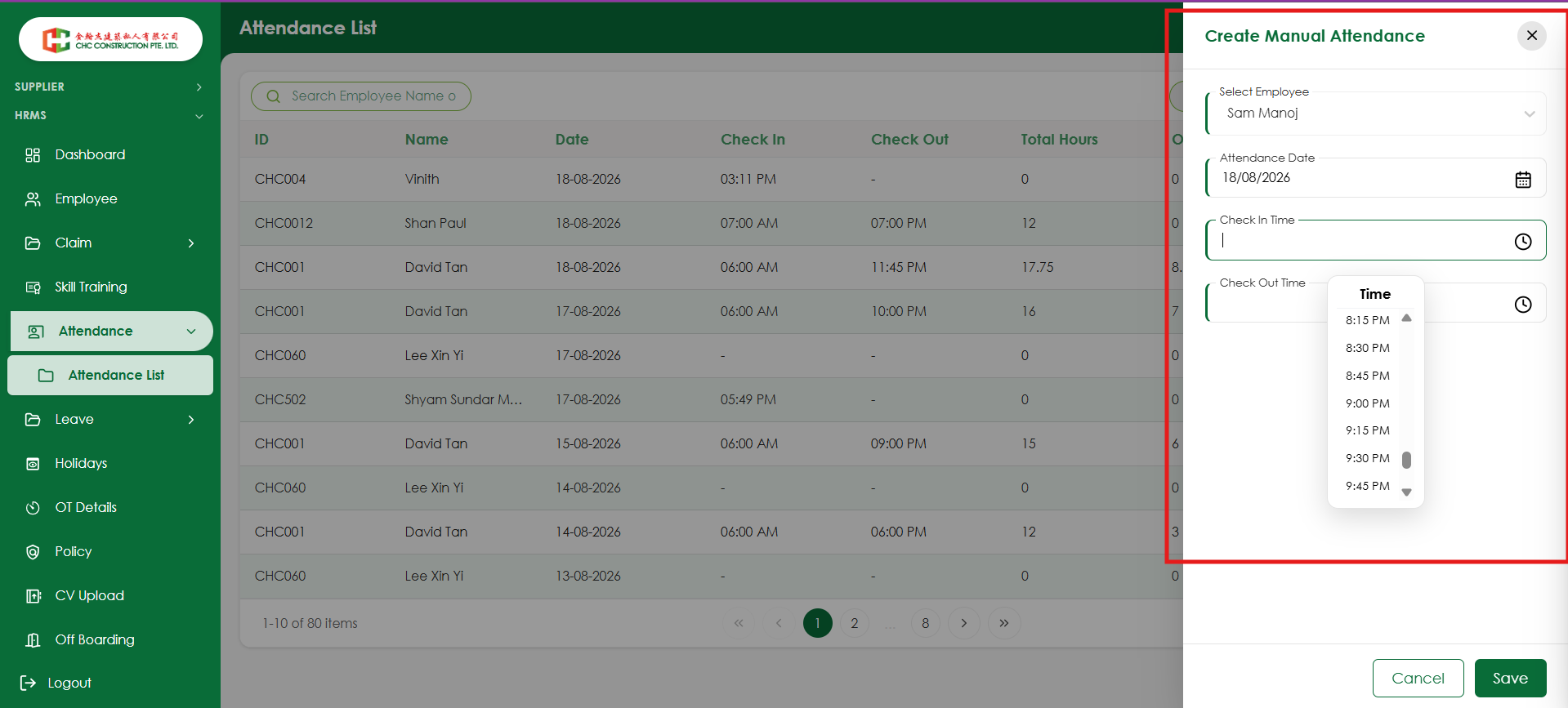
| Feature | Create Manual Attendance |
| Test Scenario | Verify that offboarded employees are not available for manual attendance entry |
| Priority | High |
| Severity | High |
| Testing Type | Functional Testing |
| Test Category | Negative Testing / Business Rule Validation |
| Precondition | 1. Employee should exist in the system. 2. Employee should be successfully offboarded. 3. User should have permission to create manual attendance. |
| Test Data | Employee: Offboarded employee Attendance Date: Any valid date |
| Steps | 1. Login to the HRMS application with valid credentials. 2. Navigate to Attendance → Attendance List. 3. Click Create Manual Attendance. 4. Click the Select Employee dropdown. 5. Search for the offboarded employee using Employee Name or Employee ID. 6. Check the employee list. |
| Expected Result | The offboarded employee should not be displayed or selectable in the Select Employee dropdown. The system should prevent manual attendance entry for the offboarded employee. |
| Actual Result | To be updated during execution. |
| Status | Not Executed |
| Postcondition | No attendance record should be created for the offboarded employee. |
Files
No data to display
Actions