Actions
Bug #82
openVerify Success Toast Message is Displayed After Updating Employee Details
Start date:
06/22/2026
Due date:
% Done:
100%
Estimated time:
Platform:
Web
Description
| Test Case ID | TC_EMP_001 |
|---|---|
| Test Case Title | Verify Success Toast Message is Displayed After Updating Employee Details |
| Module | Employee Management / Basic Details |
| Priority | Medium |
| Test Type | UI / Usability |
| Preconditions | User is logged in and has permission to edit employee details. An existing employee record is available. |
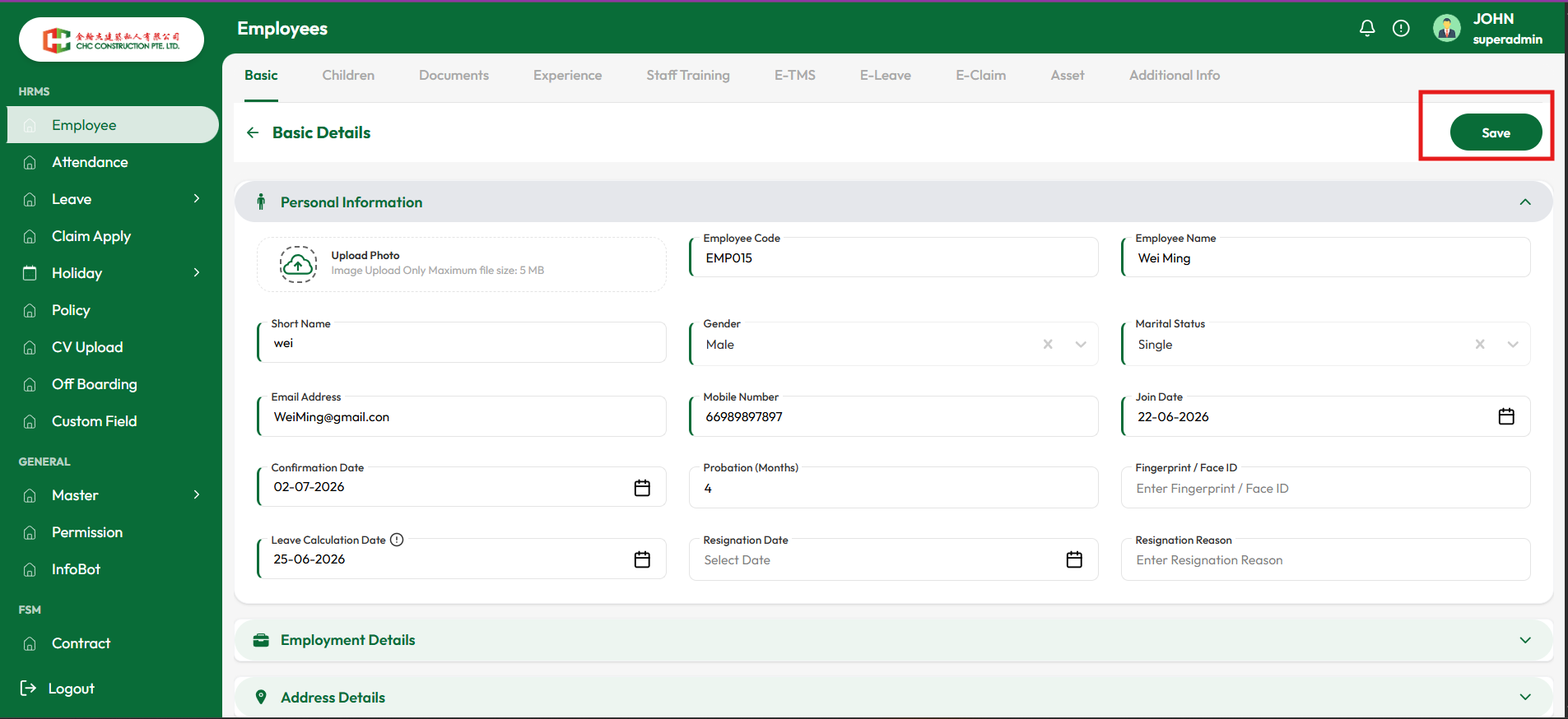
| Test Steps | 1. Navigate to Employee List. 2. Open an existing employee record using the Edit icon. 3. Modify one or more employee details (e.g., Mobile Number, Short Name, Marital Status). 4. Click the Save button. 5. Observe the system response after successful save. |
| Expected Result | Upon successful update, the system should display a confirmation toast/message such as "Employee details updated successfully" to inform the user that the changes have been saved. |
| Actual Result | Employee details are updated successfully; however, no success toast/message is displayed after clicking Save. The user receives no visual confirmation that the update was completed successfully. |
| Status | Fail |
Files
Actions